UniFi Wi-Fi
Ceiling access points wired back to a PoE switch and placed by your floor plan, plus an outdoor access point for the patio, where Wi-Fi dies fast without one.
Ubiquiti UniFi · Wi-Fi · Networks · Cameras
Wi-Fi that reaches every room, a wired network behind it, and UniFi Protect cameras in the same app. KZ Audio & Video installs Ubiquiti UniFi in San Antonio and Hill Country homes, new builds and finished homes alike.
The Short Answer
KZ Audio & Video installs Ubiquiti UniFi systems in San Antonio and Hill Country homes: the gateway, switches and Wi-Fi access points that run the network, and UniFi Protect cameras that record to a recorder in the home. A UniFi system is built around wired access points. Each one gets its power and data over a network cable from a PoE switch, so the Wi-Fi comes from several spots in the house instead of one router in a closet. That matters here, because stone walls, foam insulation and second stories block Wi-Fi signal. We run the cable, mount the access points and cameras, set up the network and the app, and walk you through it. In a new build the cable goes in at rough-in, before drywall. In a finished home we run it through the attic and walls. Ubiquiti says UniFi Protect has no licensing fees, and recordings stay on the recorder in your home. A solid network is also what keeps smart home automation reliable.
The one rule: every access point and camera gets its own cable. Wi-Fi is for phones and laptops; everything that stays put should be wired.
What We Install
Ceiling access points wired back to a PoE switch and placed by your floor plan, plus an outdoor access point for the patio, where Wi-Fi dies fast without one.
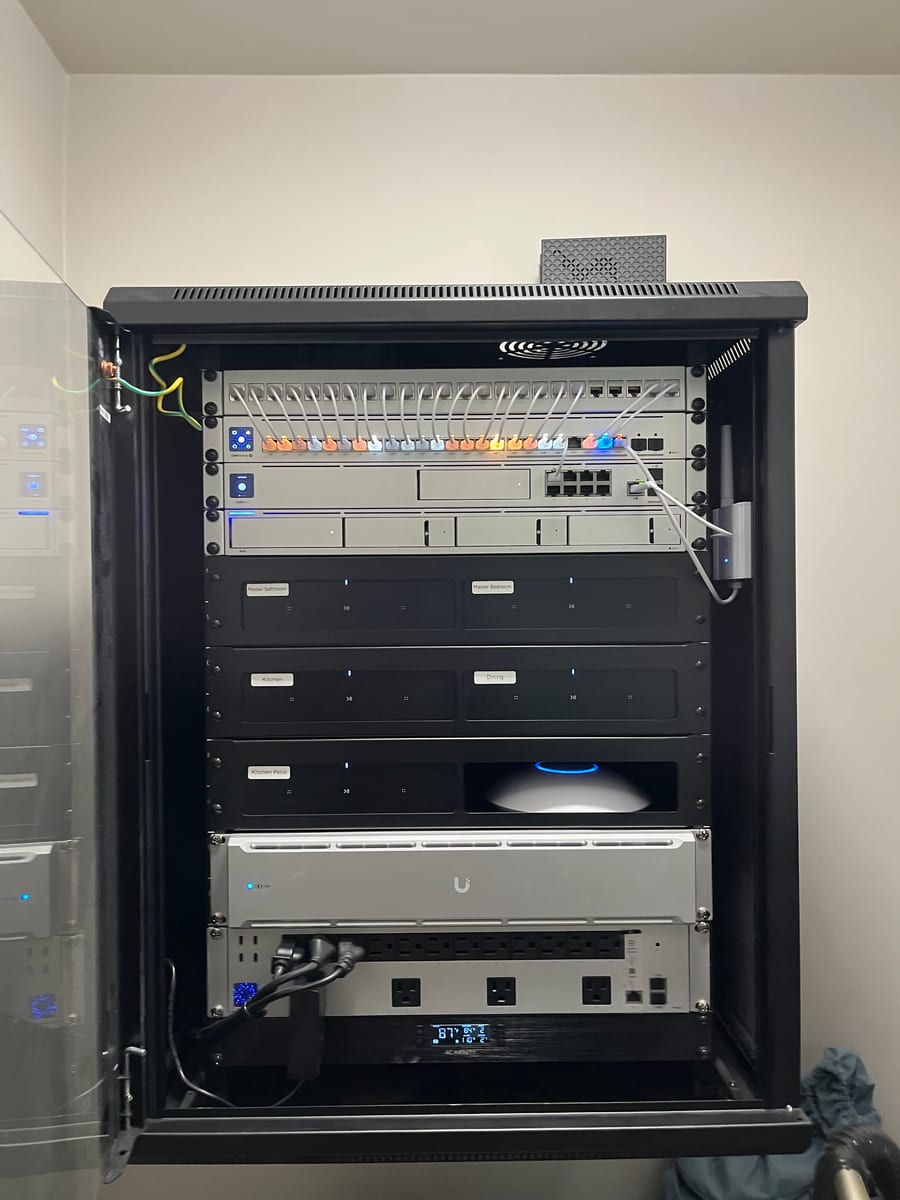
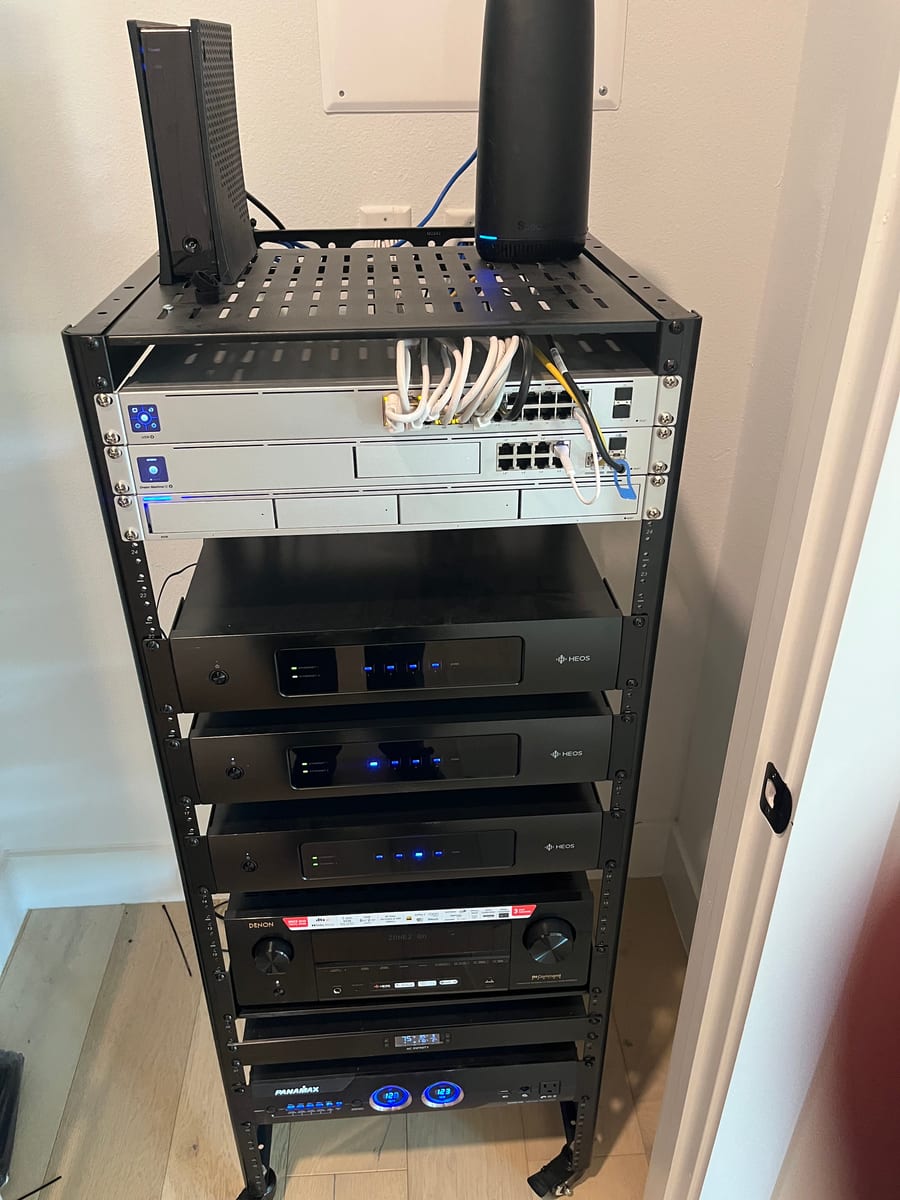
The UniFi gateway and switches in a clean, labeled rack or enclosure, so the whole network lives in one place and shows up in one app.
Wired PoE cameras recording to a recorder in your home, viewed in the same UniFi app. Installed under our Texas Private Security Board license.
Dead zones, cameras dropping off, a closet full of tangled cable. We trace the bad runs, add wired access points where the signal dies, and clean up the network closet.
Network cable to every access point, camera and TV location at rough-in, before drywall, coordinated with the rest of the low voltage.
The theaters, whole-house music and cameras we install all ride on this network, so we build it to carry them.
Ubiquiti, UniFi and UniFi Protect are trademarks of Ubiquiti Inc.
Our Work
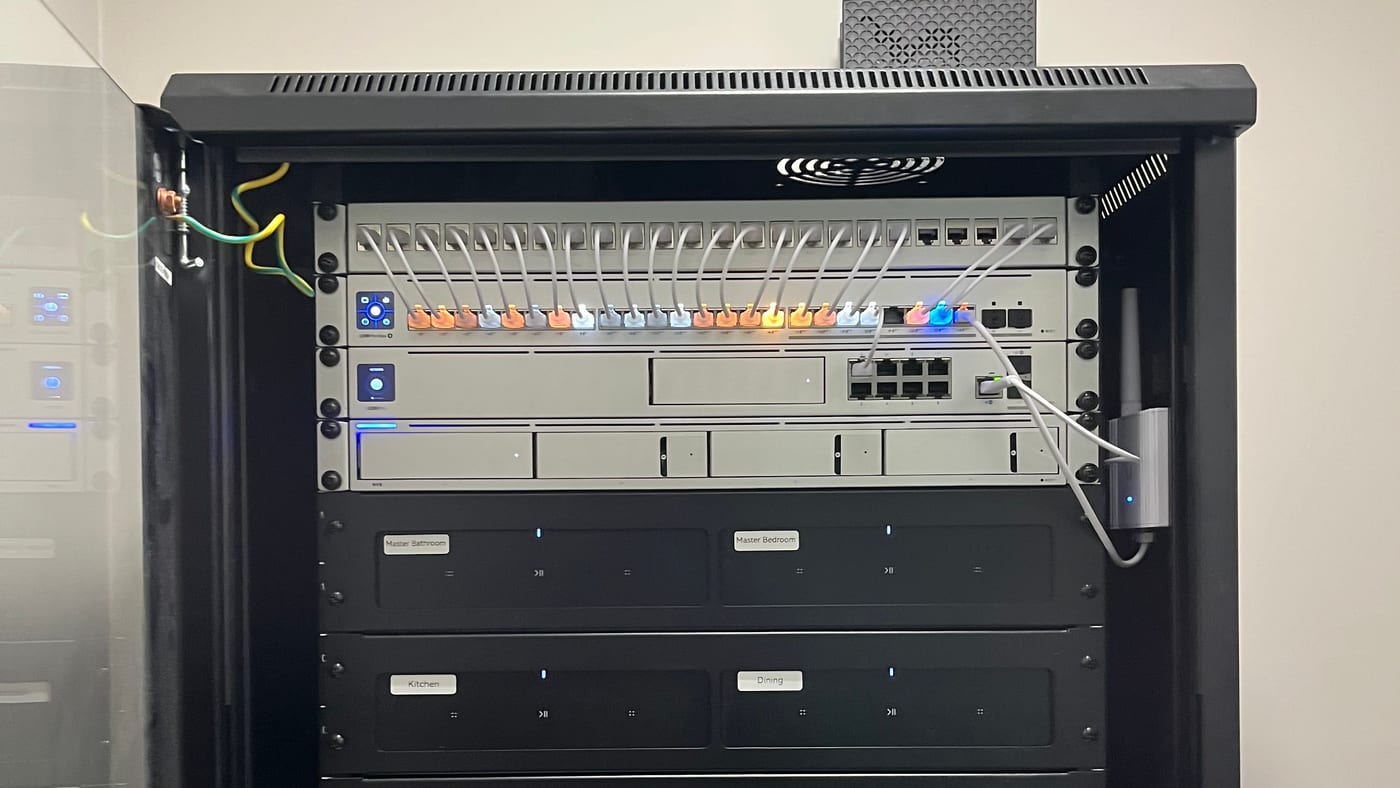
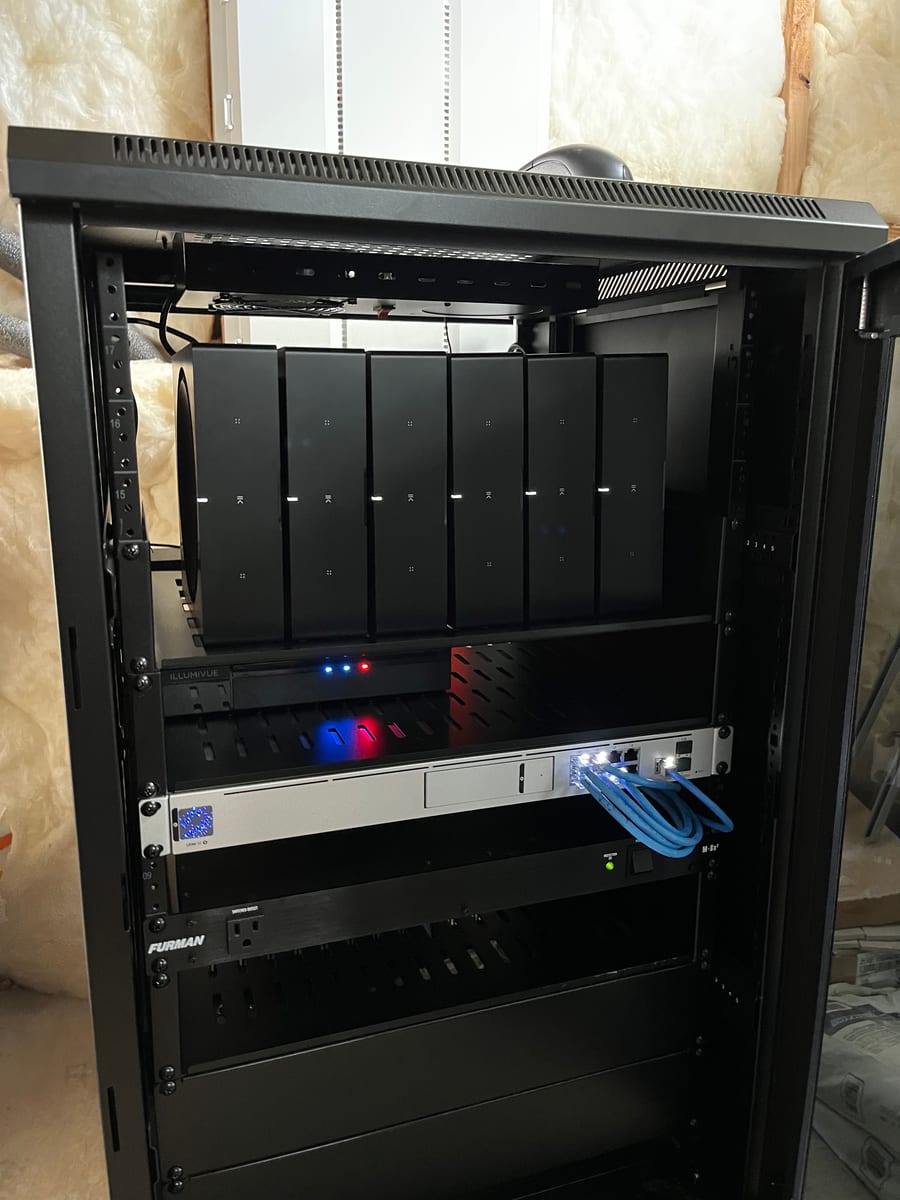
Every network we install ends in a rack like these: labeled, powered and easy to service. Real KZ installs, not stock photos.
From the Field
In a new build of about 2,500 square feet, the internet dropped off completely about 12 feet past the primary bedroom TV wall, even with three access points in the house. The fix only worked because we had run a network cable behind the TV at prewire: a small switch back there kept the TV wired, and a fourth access point hid behind it. From the bed, about three bars.
The full story, and what to wire before drywall →Low Voltage First
KZ Audio & Video is a residential low voltage contractor as well as the installer. In a new build the low voltage goes in at framing, before insulation and drywall, while every wall is still open. The install comes after.
In a finished home we run the same cable through the attic and walls first, then mount and set up the gear.
Building a custom home? Low voltage for builders →A network cable to every access point, camera and TV location, home-run to the rack, all in place before the drywall.
We mount the access points and cameras, set up the gateway and switches, and get the UniFi app working on your phone.
Low voltage contractors and AV integrators do. In San Antonio and the Hill Country, KZ Audio & Video installs Ubiquiti UniFi in homes: the gateway, switches, Wi-Fi access points and UniFi Protect cameras. Look for an installer who runs a cable to every access point instead of relying on wireless links between them, and, for cameras, one licensed by the Texas Private Security Board. KZ holds that license, and our own crew does the work, from the cable to setting up the app on your phone.
In Texas, installing a camera system that records takes a license from the Texas Private Security Board, so look for a licensed installer. KZ Audio & Video installs UniFi Protect cameras in San Antonio homes: wired PoE cameras recording to a UniFi recorder in the house, viewed in the UniFi app. Ubiquiti says UniFi Protect has no licensing fees, and the video stays on the recorder in your home rather than in a cloud subscription.
Most of the home networks we install in San Antonio run $800 to $3,500. A wired UniFi system with access points, a switch, a rack and network runs to the TVs and office typically lands between $1,500 and $3,500, and larger homes can run higher. UniFi Protect cameras are priced as a camera system, about $2,200 to $12,300 at KZ Audio & Video, depending on how many cameras and how they are wired. We give you a written quote after a free walkthrough of the home.
Yes, when it is installed the way it is designed: several access points, each wired back to a PoE switch, placed by the floor plan instead of one router in a closet. That is how a home with stone walls, foam insulation or a second story gets Wi-Fi in every room. Everything that stays in one place, like TVs and office computers, should still be wired. Wi-Fi is for phones and laptops.
A UniFi gateway is a router, not a modem. You still need the modem or fiber box from your internet provider. The UniFi gateway plugs into it and runs the network, the Wi-Fi access points and the cameras from there, all managed in one UniFi app.
Free walkthrough of your home: we find the dead zones and the camera spots, then give you a written quote. New builds and finished homes.
Serving San Antonio · Boerne · Canyon Lake · New Braunfels · Hill Country